
“Cybersecurity Computer-Based Training and Technical Communication Design”
by Lysandwr McNary | Xchanges 9.2
Results: Accessing the Training
The DoD, as a Security Awareness Training Shared Service Center sponsor, provides a portal for any concerned party to access their cybersecurity awareness training (DISA). More tightly controlled access would no doubt limit the module’s usefulness as suitable and available to all affiliated civilian and federal employees in satisfaction of FISMA requirements. However, there were access issues due to differing technology and operating systems which appear to act counter to that mandate.
Attempts were made to access and run the module on a pc netbook, pc laptop, an Android smartphone, various networked computer systems on the NMT university network, and a networked virtual machine system on the NMT university administration network. The module window would open on the smartphone, but then a message would display that the training could not run on that system in any form. Mozilla Firefox vs 12.0 would open the access window on all other equipment and systems, but would not initially load properly. The DoD portal site has a check system that gives a green for go or red warning notices on whether systems attempting to access the module are sufficiently updated to run the training properly; however, even when given all green for the Mozilla browser it would not run correctly. The portal site has a prominently displayed troubleshooting link to simple directions that enabled Mozilla to run the training on the pc netbook and pc laptop. But those directions required a settings change to the browser that the networked systems would not allow.
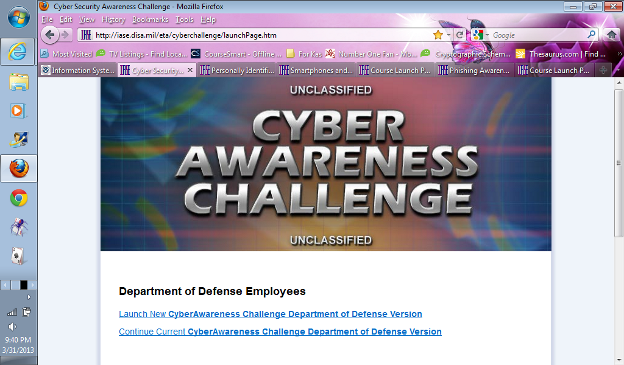
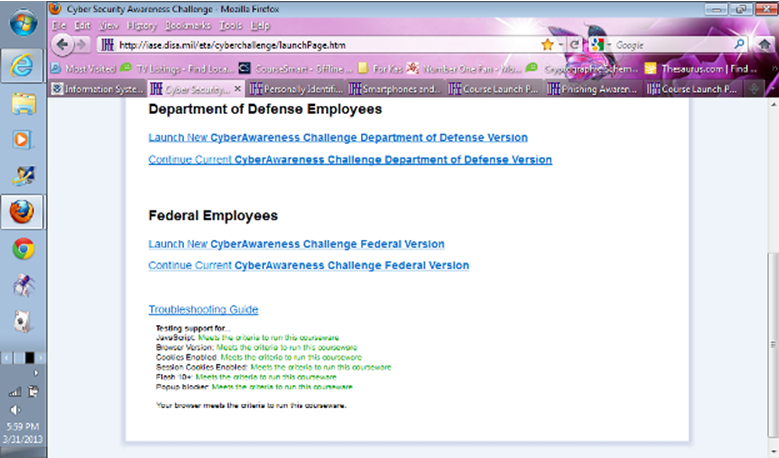
Internet Explorer 9 and Chrome vs 26 were able to open and run the training without issues on the pc netbook, pc laptop, and the NMT university administration network. However, the NMT university student/faculty network also required the disallowed settings change, so could not run the training. Federal agencies and affiliated civilian entities generally run controlled systems where not all employees will have permission to change system and/or browser settings on their computers — this could be a significant access issue counter to FISMA goals.